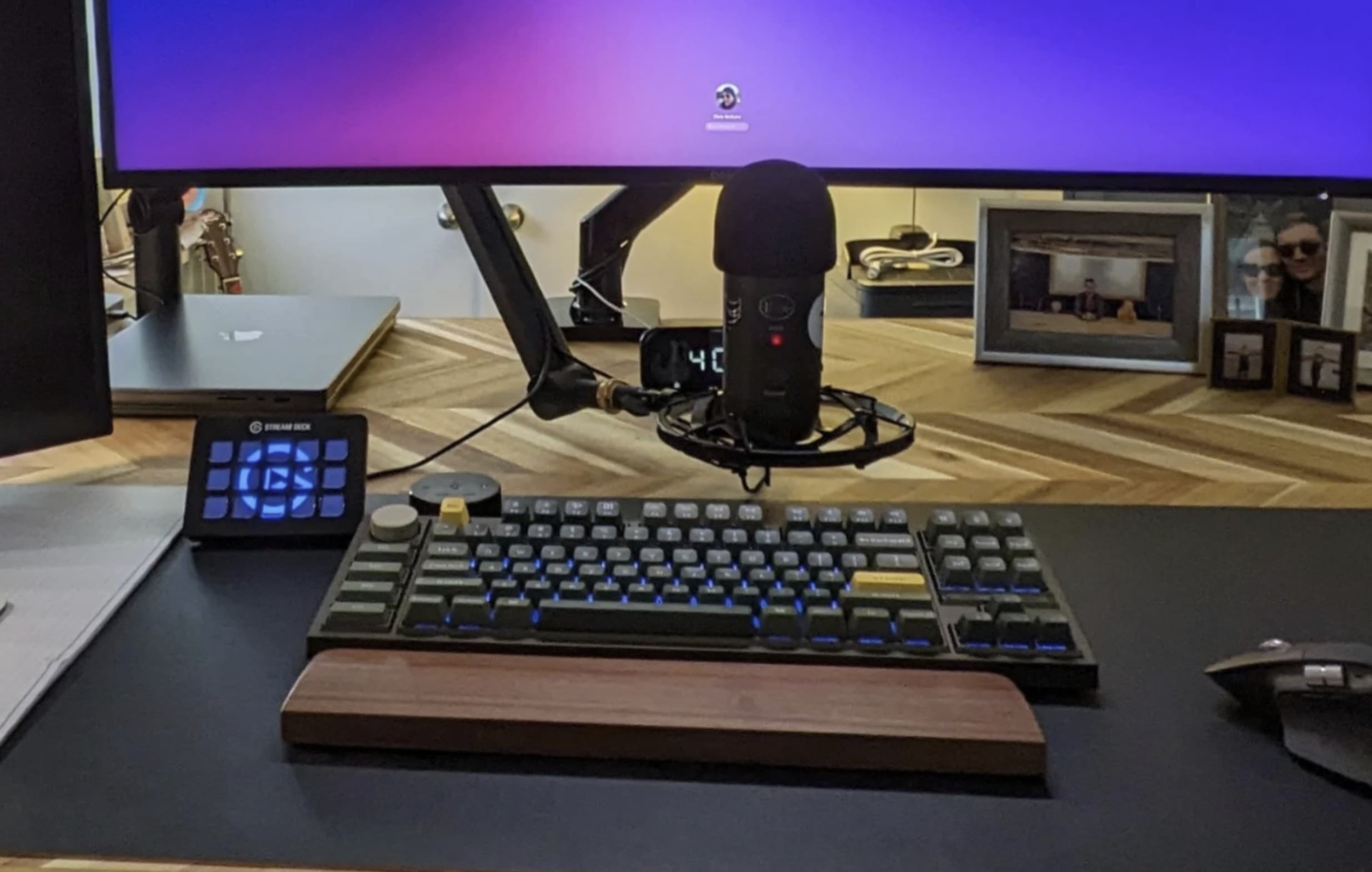
Top 5 Ergonomic Keyboards for Ultimate Comfort
When it comes to long hours of typing, the right keyboard can make all the difference in reducing discomfort and preventing injury. In this article, we explore the Top 5 Ergonomic Keyboards for Ultimate Comfort. These keyboards are designed to provide a natural hand position, minimizing strain on your wrists and fingers. Ergonomic keyboards often feature split designs, adjustable heights, and cushioned wrist support, all aimed at enhancing your typing experience while safeguarding your health.
- Kinesis Advantage2: Known for its distinctive shape and split design, this keyboard provides exceptional support for your hands and wrists.
- Logitech Ergo K860: With its curved layout and integrated wrist rest, this keyboard allows for a more comfortable typing position.
- Microsoft Sculpt Ergonomic Keyboard: Designed specifically for comfort, it features a separate number pad for flexibility.
- Goldtouch V2 Adjustable Comfort Keyboard: Ideal for personalization, this keyboard can be adjusted for a custom fit.
- Matias Ergo Pro Keyboard: It boasts mechanical keys for tactile feedback, making it a great choice for those who love the clicky feel.
If you're looking to enhance your typing setup, coiled keyboard cables are a fantastic choice for both aesthetics and functionality. They offer a blend of style and flexibility, allowing you to keep your workspace organized. Check out the Top 10 Coiled Keyboard Cables to find options that suit your needs, ranging from vibrant colors to high-quality materials.
How to Choose the Right Key Switches for Your Typing Style
Choosing the right key switches for your typing style is essential to achieving a comfortable and efficient typing experience. First, consider the mechanical switch type that best suits your needs: linear, tactile, or clicky. Linear switches provide a smooth keystroke with no tactile bump, making them ideal for fast typists who prefer a quieter experience. Tactile switches, on the other hand, have a noticeable bump at the actuation point, allowing for satisfying feedback that is helpful for typists who rely on feel. Lastly, clicky switches offer both tactile feedback and an audible click, perfect for those who enjoy a more interactive typing experience. Assess your typing habits to determine which switch type aligns with your preferences.
Next, take into account the actuation force of the switches. Different switches require varying amounts of force to register a keystroke, typically measured in grams. A lighter switch may allow for faster typing, while a heavier switch can reduce accidental key presses and increase precision. In addition, consider the key travel distance, which can affect how responsive the keyboard feels to your fingers. To ensure you make the best choice, try out different switches in person or read reviews from users with similar typing styles. With the right key switches, you can significantly enhance your typing comfort and efficiency.
What Accessories Can Enhance Your Keyboard Setup for Comfort?
Enhancing your keyboard setup with the right accessories can significantly improve your comfort during long hours of typing or gaming. One of the essential accessories to consider is a wrist rest, which provides support and helps to minimize strain on your wrists. Look for a wrist rest made from memory foam or gel-filled materials that conform to your wrist's shape. Additionally, an ergonomic keyboard tray can help you position your keyboard at the ideal height, reducing tension in your shoulders and neck.
Incorporating a mechanical keyboard with customizable switches not only enhances your typing experience but can also cater to your comfort preferences. Moreover, adding keycap replacements made from different materials can improve tactile feedback and deliver a more satisfying feel. Lastly, investing in cable management solutions can help keep your workspace organized, eliminating distractions and contributing to a more comfortable and efficient setup.