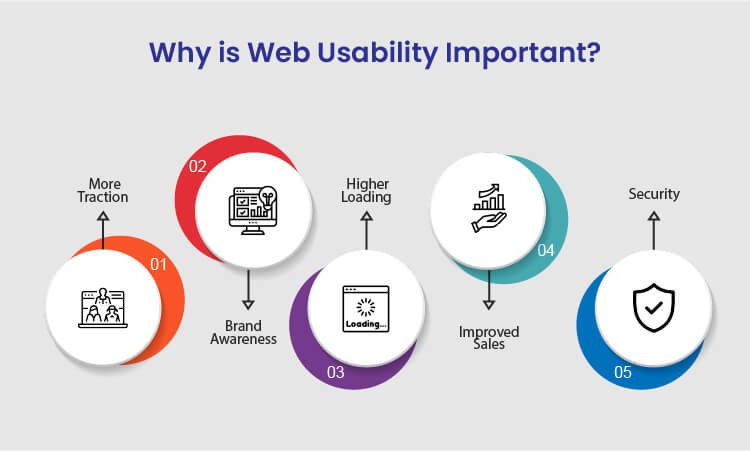
Understanding Usability: Key Principles for a User-Friendly Website
Understanding usability is crucial for creating a user-friendly website that meets the needs of its visitors. It encompasses various key principles that ensure an intuitive and seamless navigation experience. One of the primary aspects is consistency; users should not have to relearn how to navigate your site each time they visit. This means maintaining similar design elements, language, and functionality across all pages. An effective way to achieve this is by implementing a cohesive design system that guides every aspect of your website's development.
Another essential principle of usability is clarity. Users should easily understand what actions they need to take without confusion. Ensure that your website's navigation is straightforward, utilizing familiar terminology and highlighting important information. Employing white space effectively can also enhance readability and comprehension. By focusing on these principles, you can create a more engaging and user-friendly online experience that keeps visitors coming back.
Is Your Website Usable? Common Mistakes to Avoid
When evaluating website usability, common mistakes can severely hinder the user experience. One major error is failing to ensure mobile responsiveness. With more users accessing websites from smartphones, a site that isn't optimized for smaller screens can lead to high bounce rates. Additionally, slow loading times are detrimental; if your site takes too long to load, users may abandon it before experiencing your content. To optimize loading speed, consider compressing images, minimizing code, and utilizing content delivery networks. For further insights, refer to Google's PageSpeed Insights.
Another common pitfall is poor navigation, which can confuse visitors and make it difficult for them to find essential information. To enhance usability, ensure that your website has a clear structure with intuitive navigation menus. Users should be able to locate critical pages without excessive clicking. Furthermore, implementing a search feature can greatly improve usability, helping users quickly access desired content. Remember to test your website regularly and gather user feedback for continuous improvement. For best practices in website navigation, check out Nielsen Norman Group's article on usability heuristics.
10 Usability Best Practices That Can Transform Your Website Experience
Creating a user-friendly website is essential for maximizing user engagement and satisfaction. Implementing usability best practices can transform your website experience, making it more intuitive and enjoyable for visitors. Here are 10 usability best practices that can help you achieve this:
- Ensure your website is mobile-friendly and responsive, adapting seamlessly to different devices and screen sizes.
- Optimize your website's loading speed, as faster sites reduce bounce rates and improve user satisfaction. Tools like Google PageSpeed Insights can help you analyze and improve your site speed.
- Utilize clear and concise navigation menus that enable users to find the information they need quickly.
- Incorporate descriptive and engaging calls-to-action (CTAs) that guide users toward desired actions.
Another set of best practices focuses on content and accessibility. First, ensure that your content is easy to read, using plain language and avoiding jargon. Implementing web accessibility guidelines ensures that your website is usable for everyone, including those with disabilities. Furthermore, consider using visual elements like images and videos to enhance understanding, while ensuring they are optimized for fast loading. Lastly, always test your website with real users to gather feedback and continually improve the usability based on their experiences.